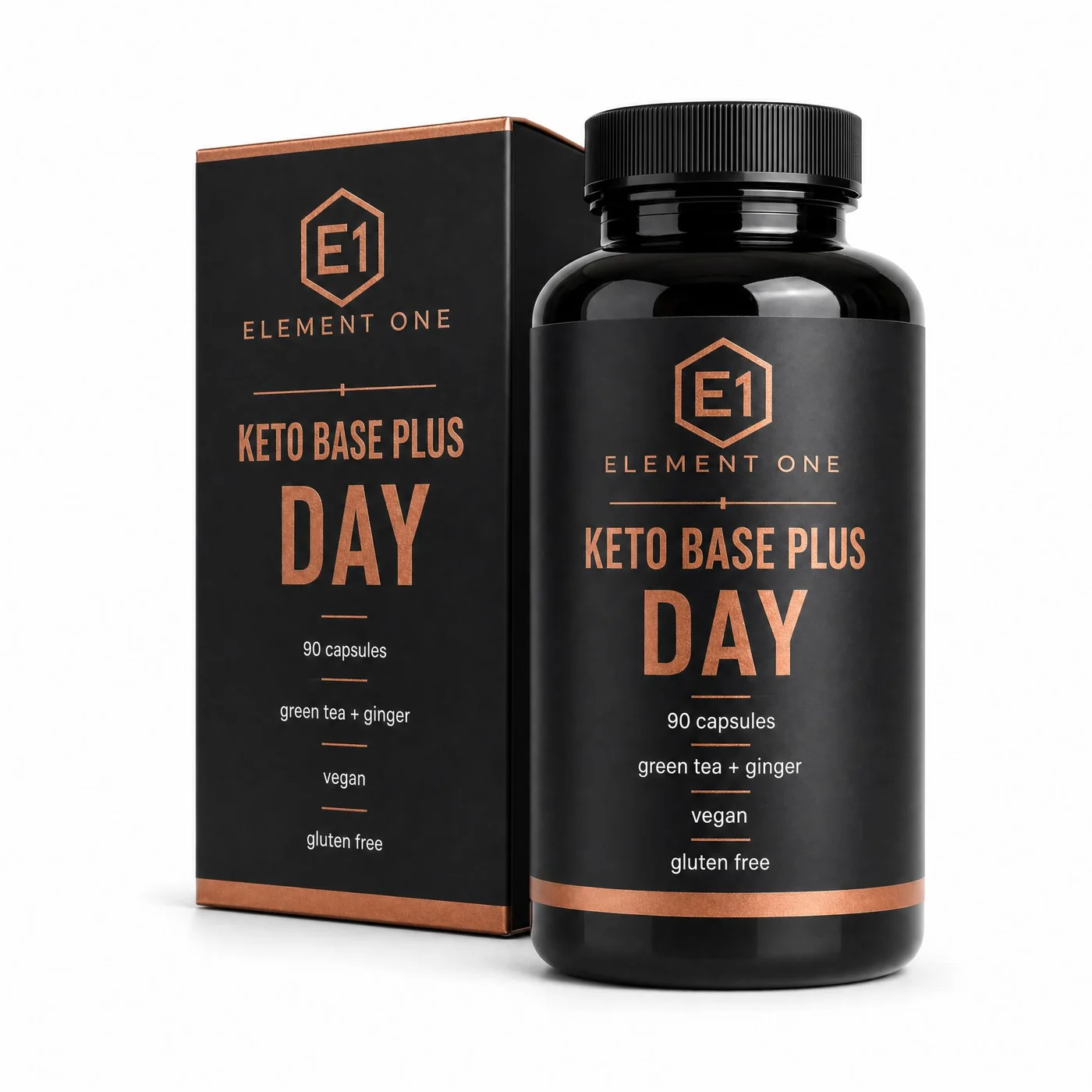
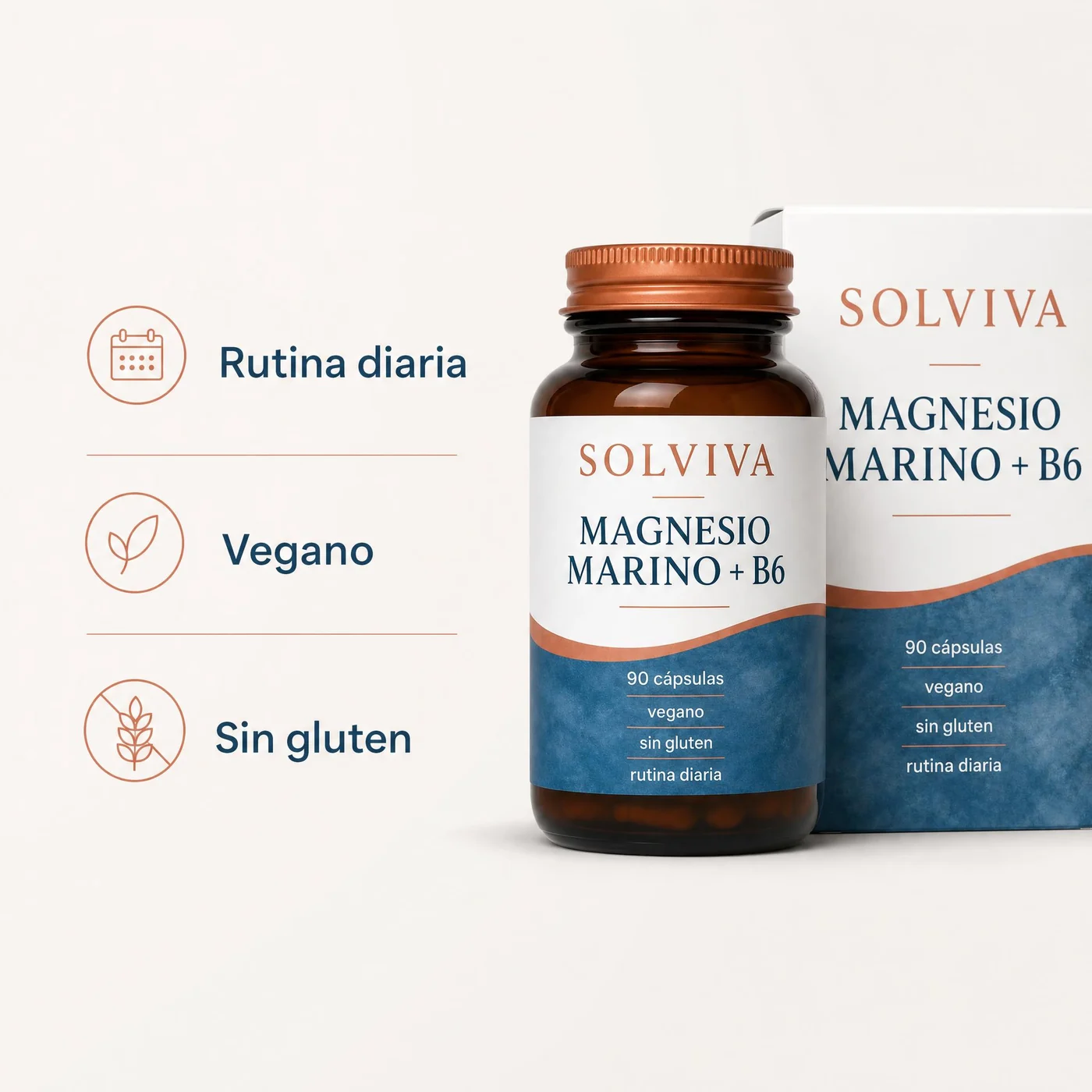

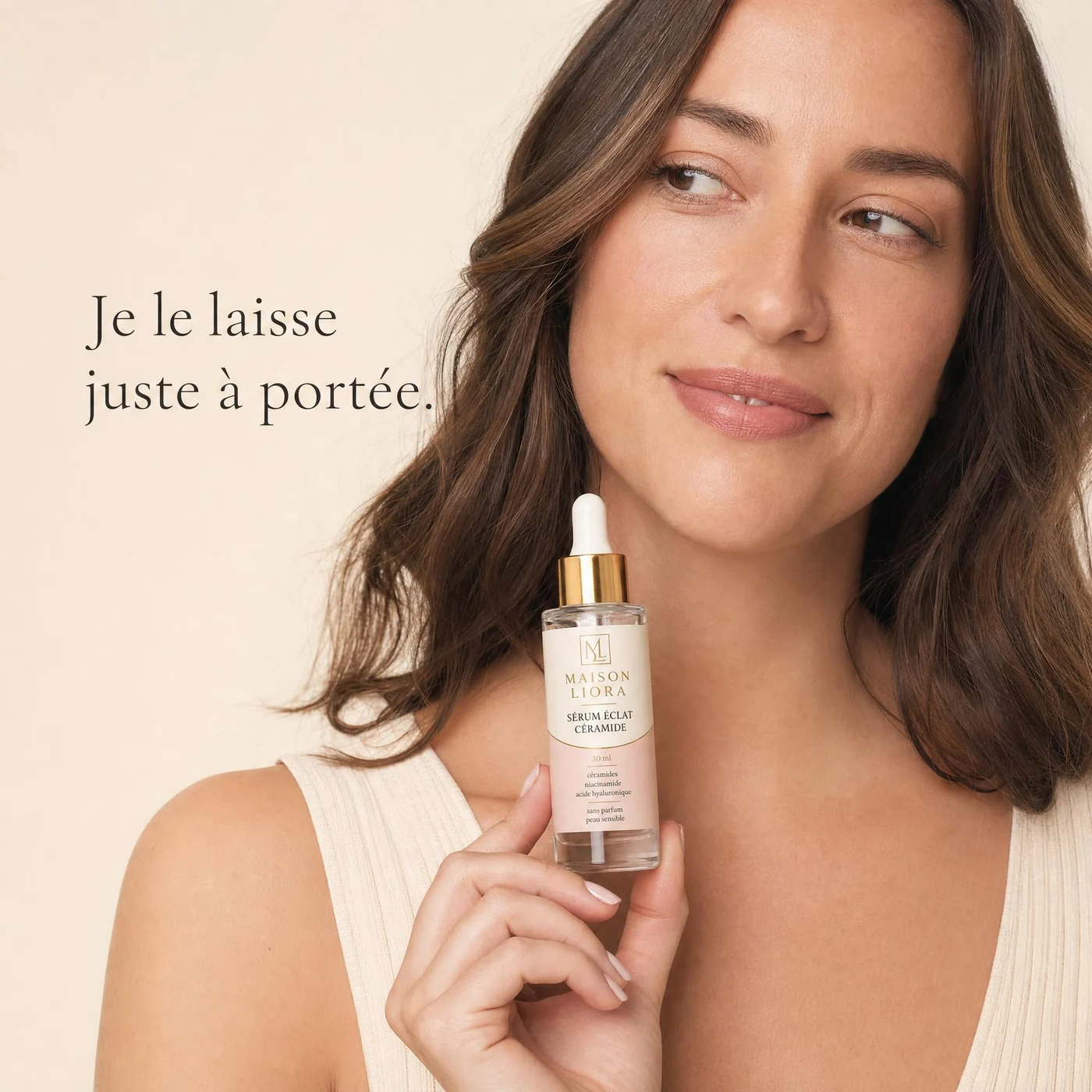
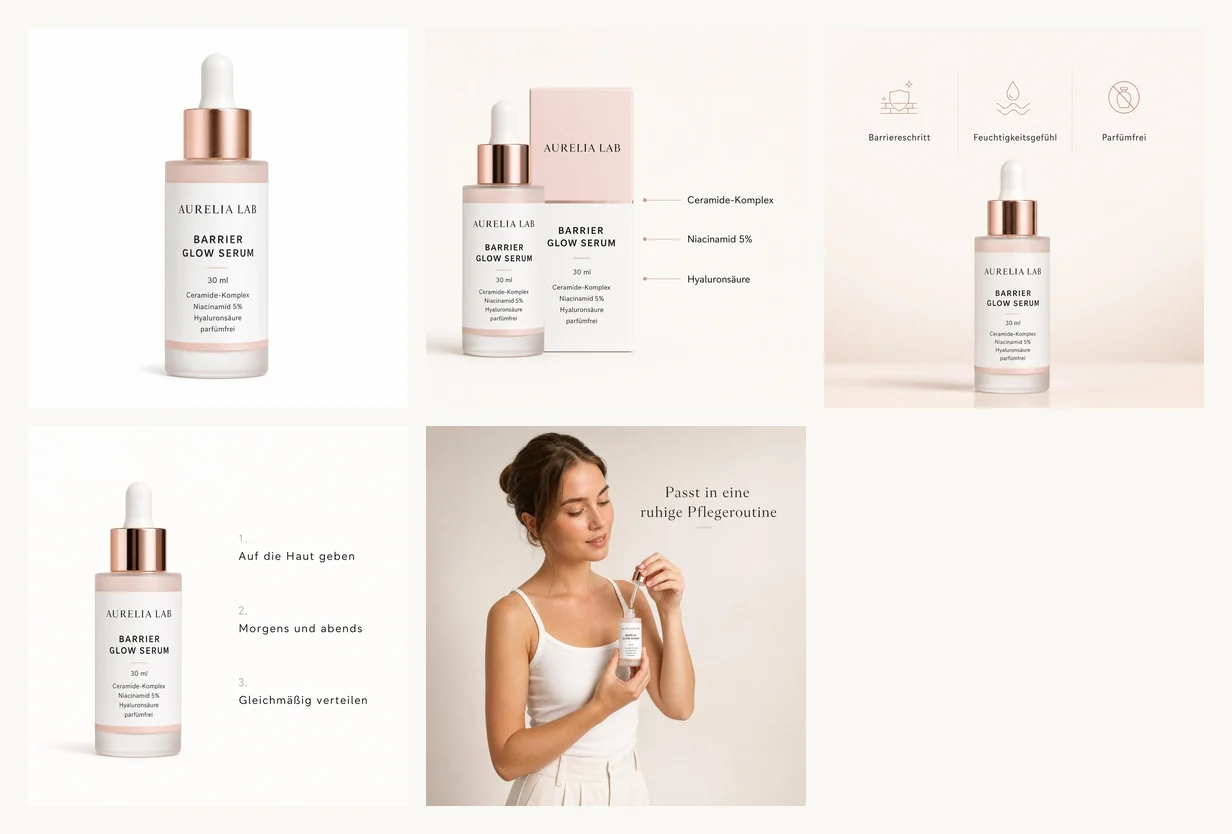
Yes. ProdVue is built for ecommerce product images across online shops and marketplaces, including Shopify, Etsy, Amazon, eBay, WooCommerce, and your own store.
AI product photography
One photo.A complete listing.
Upload one product photo. ProdVue develops the studio shot, lifestyle scene, infographics, and A+ content — reviewed before they go live.
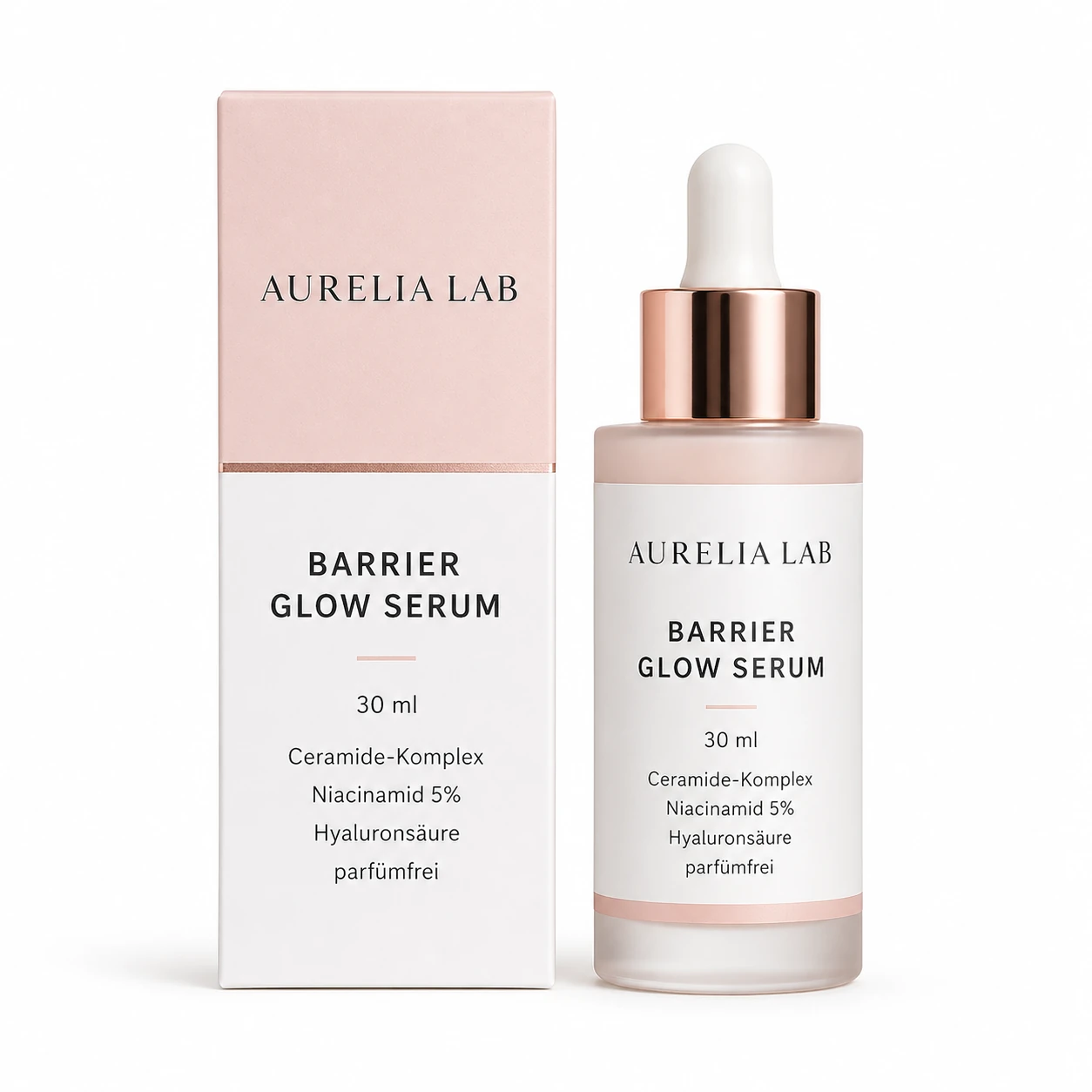
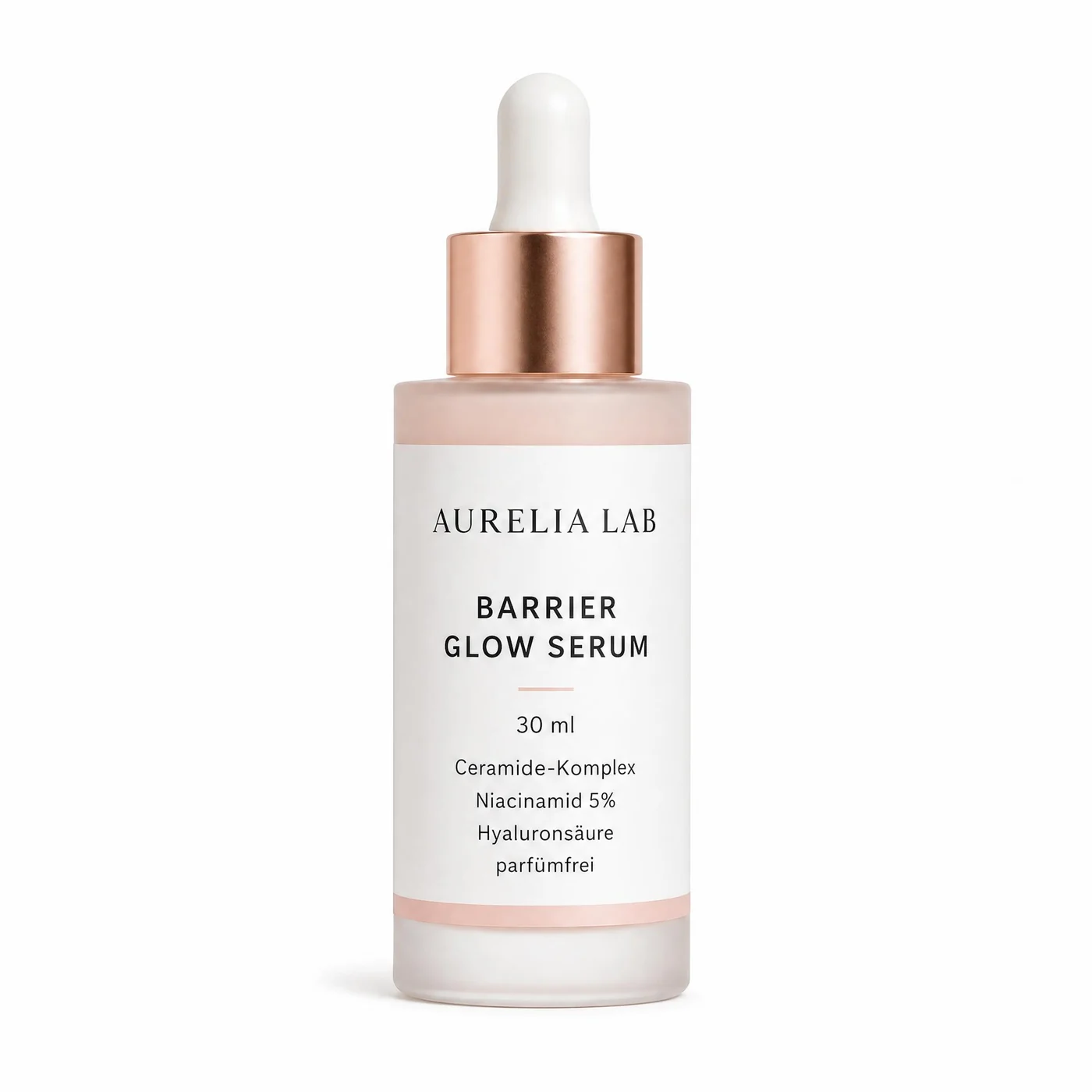
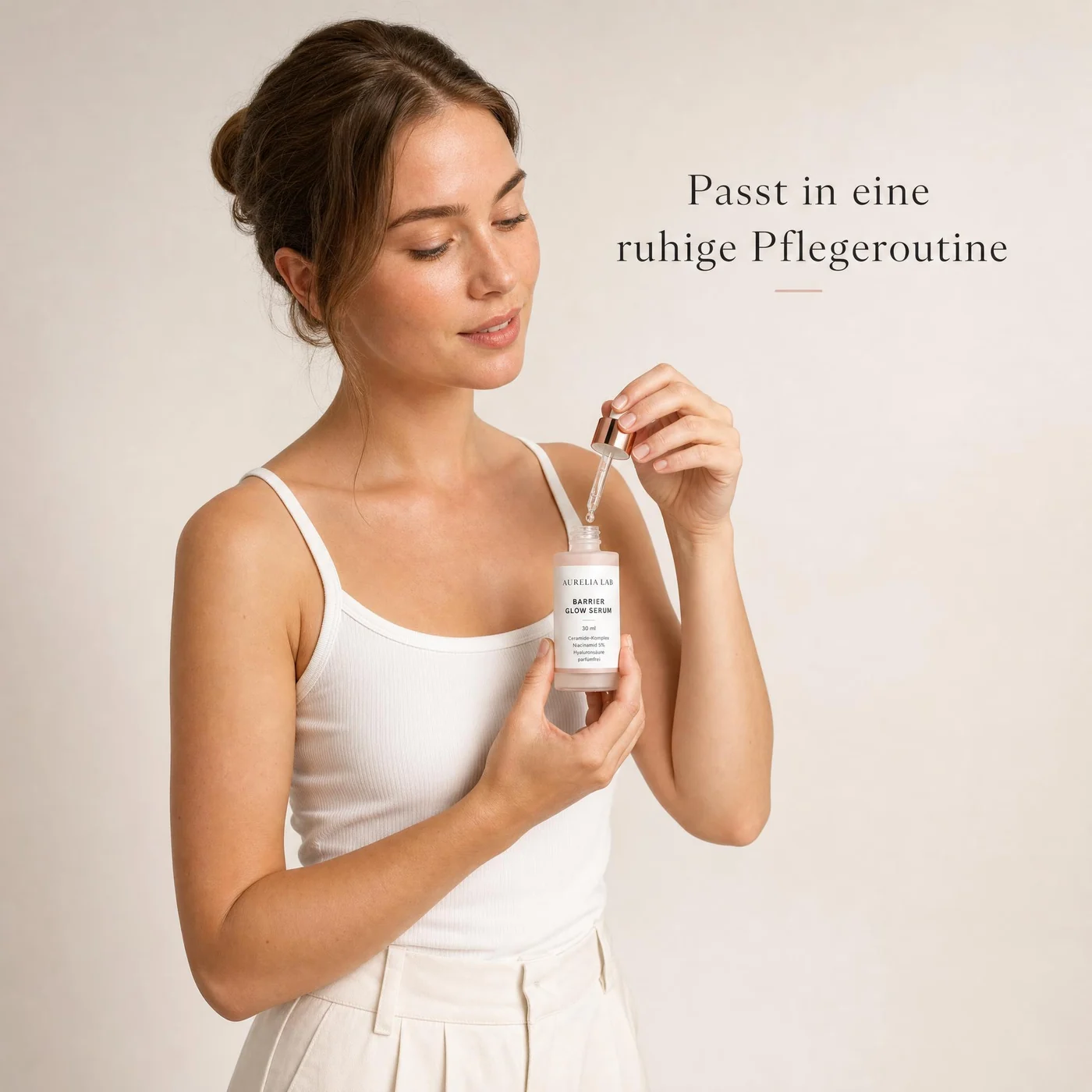
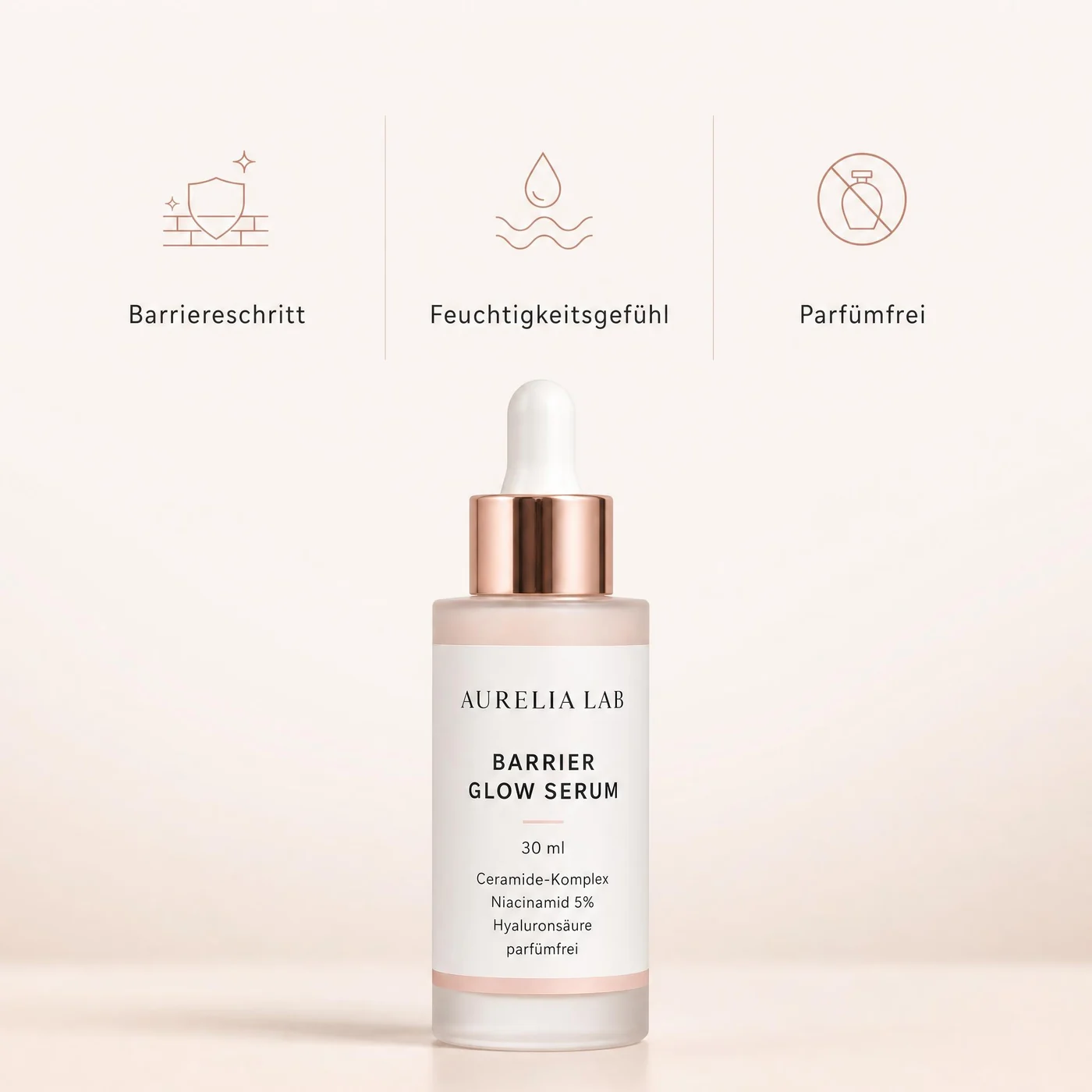
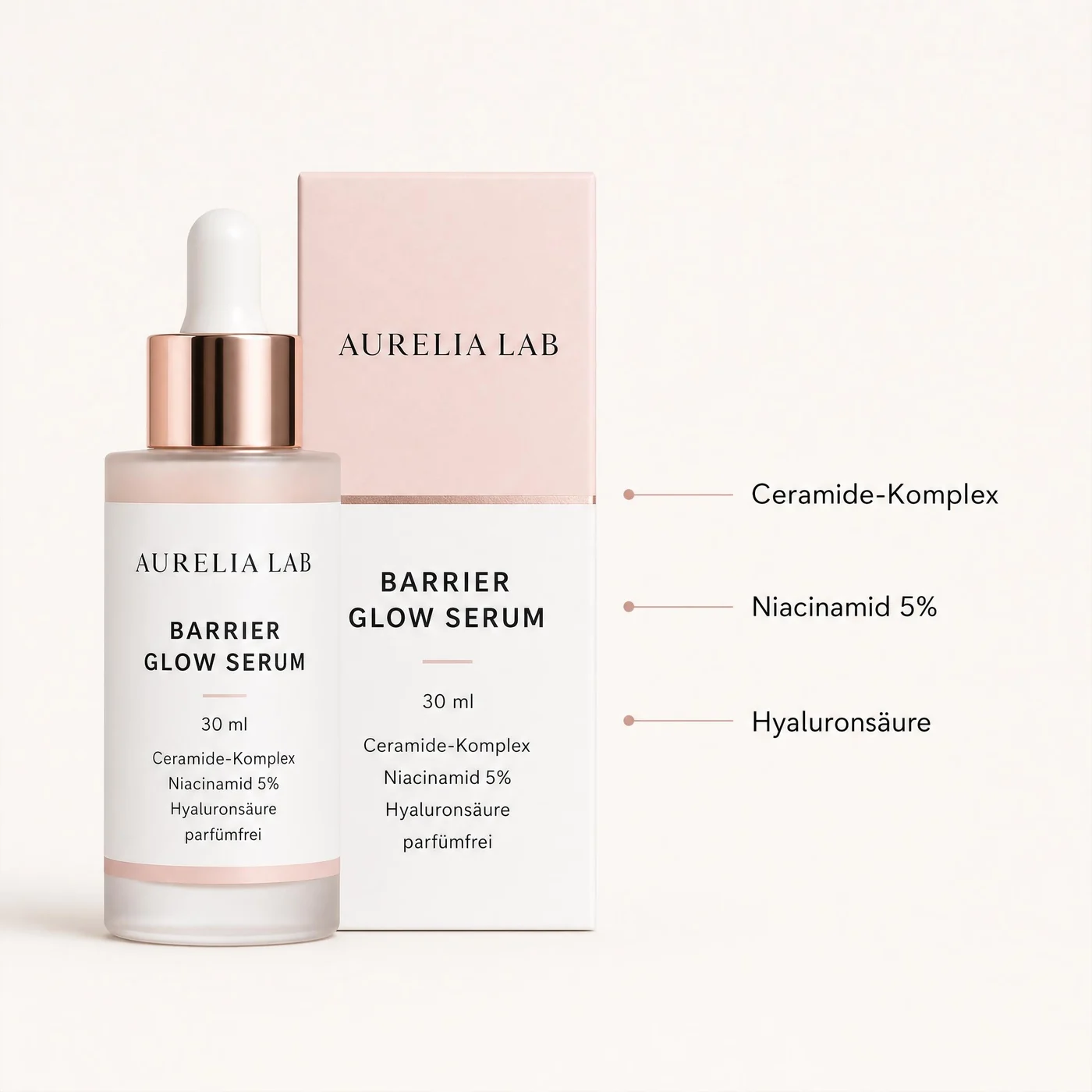
Swipe — one upload, the whole set
Shot in the studio
Every image type. One upload.
Keep scrolling — the gallery moves with you
Try the studio
Watch a set develop.
Pick a sample product. This is the ProdVue flow: the image plan comes first, then the images — and nothing goes live until you approve it.
Image plan
- 01 Main — clean white background, product fills the frame
- 02 Lifestyle — calm morning routine, real bathroom light
- 03 Infographic — three skin benefits, claim-safe wording
- 04 Ingredients — actives listed, readable at thumbnail size
Pick a product to start
Set developed · 4 imagesDo this with yours
Sample sets generated with ProdVue from the source photo shown — replayed here at demo pace
Image review
Fix weak images before they go live.
If an image feels off, describe the change in normal language. ProdVue turns that feedback into a stronger version — drag the handle to see one rework.
Rework instruction
“Remove the clutter, make the product the focus, and keep one short benefit.”
 Approved
 Needs edit
Why shops use it
Strategy first. Images second.
Simple image tools edit pictures. ProdVue plans the purpose, text, and product facts of every image before a single image is rendered.
01
Product upload
02
Image plan
03
Review text & images
04
Approved export
Complete sets, planned together
White-background, lifestyle, infographic, comparison, and ad-style visuals are planned as one set — not one-off edits.
Copy on images, reviewed first
Short, buyer-facing lines on every visual, grounded in your real label, ingredients, and specs — checked before render.
Brand-consistent across SKUs
Product, colors, lighting, and layout stay connected across the full set and every product you add.
Works across every channel
Shopify, Etsy, Amazon, eBay, WooCommerce, your own store, and paid ads — exported ready for each.
Background removers and cutout tools are useful for edits. ProdVue is for shops that need the whole listing: strategy, image text, brand consistency, revisions, and approved exports.
Create your first image setEcommerce image questions
Answers before you start.
What ProdVue can make, where you can use the images, and what happens before images are generated.
Works across online shopsReview text firstExport approved image sets
Yes. ProdVue creates 4K product images for high-resolution product pages, marketplace zoom, and reuse across store and ad placements.
No. ProdVue suggests the image set, the image purpose, and the first draft of the text. You can adjust it before generating.
Yes. You can review image text, product facts, and direction before generating the final image set.
Yes. ProdVue treats white-background product photos differently from lifestyle, infographic, and comparison images because marketplace-first images need a cleaner product-first layout.
Tell ProdVue what to change in plain language: larger product, shorter text, cleaner background, different scene, or softer lighting.
A reviewed product image set with only the versions you approved for your shop, marketplace pages, or ad channels.
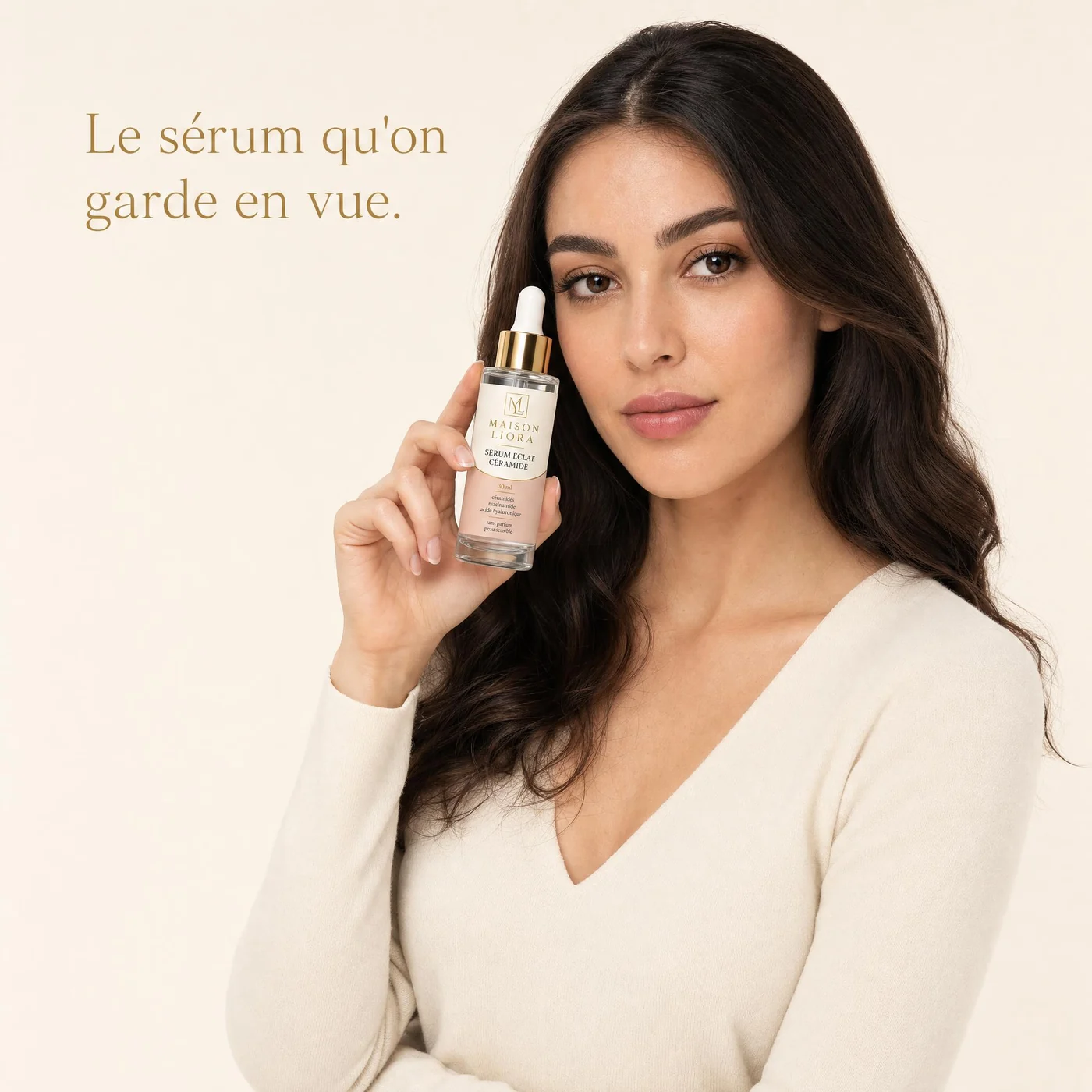
Start with one product photo
Your product, shot like a brand.
Review everything before it goes live